
Help desk & everyday IT
Ghostbusting included.
Day-to-day help for your team, remote or on-site: computers, printers, email and “the Wi-Fi is being weird.” Updates and monitoring run quietly in the background, so small problems stay small.
Managed IT for small businesses · Portland metro & remote
One trusted partner to plan, fix and look after your technology, year after year. Built for small businesses that have outgrown “the person who’s good with computers.”
Trusted by small businesses since 2007.
Ticket #4821Resolved
“The printer is haunted.”
It was toner. It’s always toner.
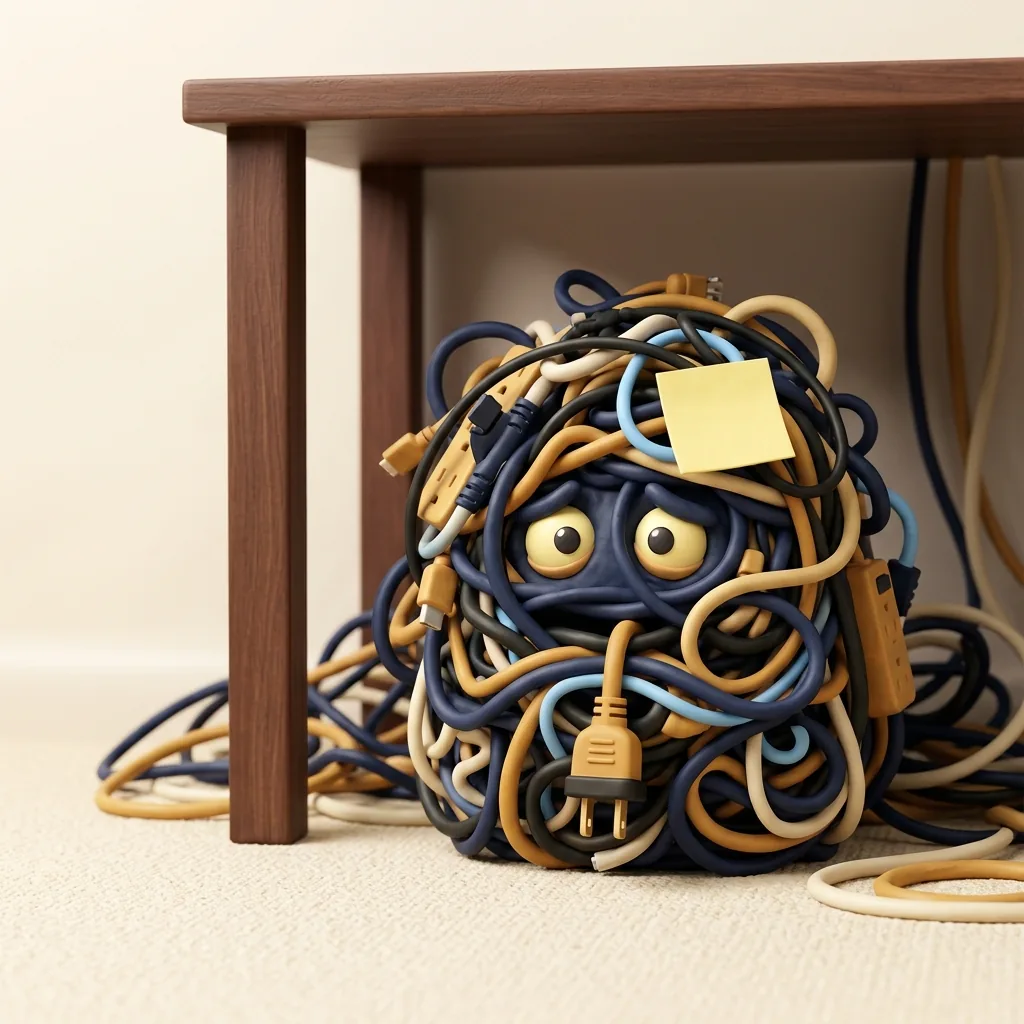

Sound familiar?
Services
Advice, projects and day-to-day care from one team that already knows your setup, from the front desk to the server closet.
Help desk & everyday IT
Day-to-day help for your team, remote or on-site: computers, printers, email and “the Wi-Fi is being weird.” Updates and monitoring run quietly in the background, so small problems stay small.

Microsoft 365 & Google Workspace
Email, calendars, shared files, licenses and security settings, set up right and tidied up as your team changes.
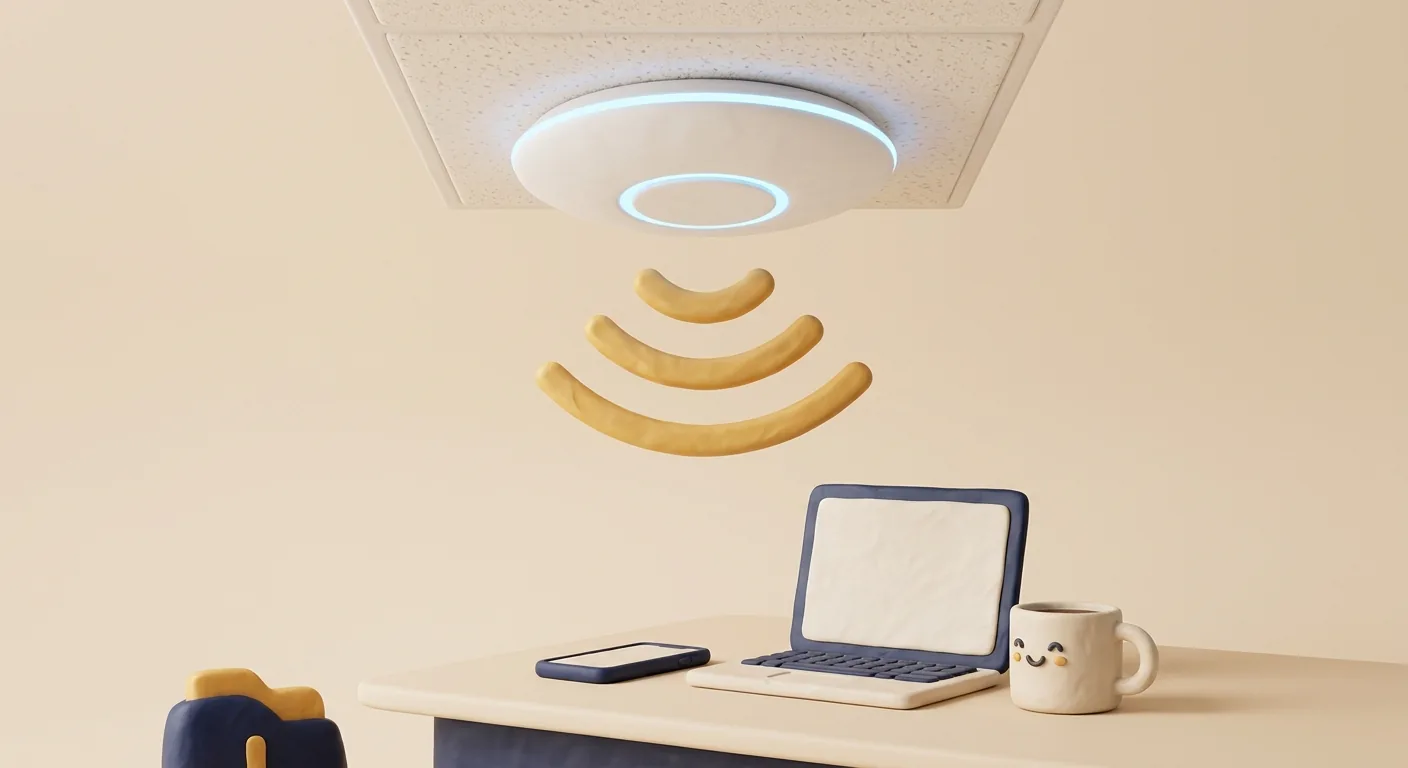
Wi-Fi & networks (UniFi)
Access points, switches, gateways and firewalls, VLANs and site-to-site VPNs. Planned, installed and kept up to date.
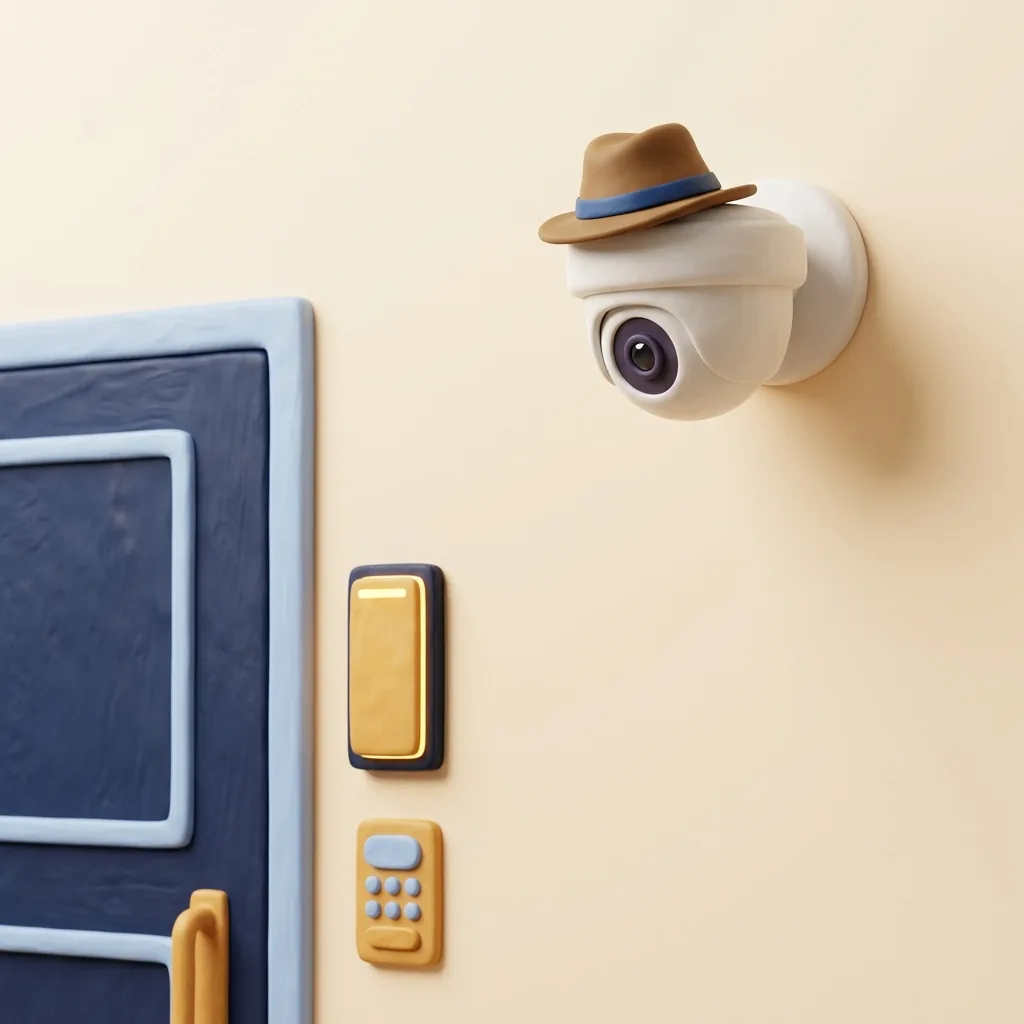
Cameras, doors & phones
UniFi Protect cameras, UniFi Access door entry and UniFi Talk phones.
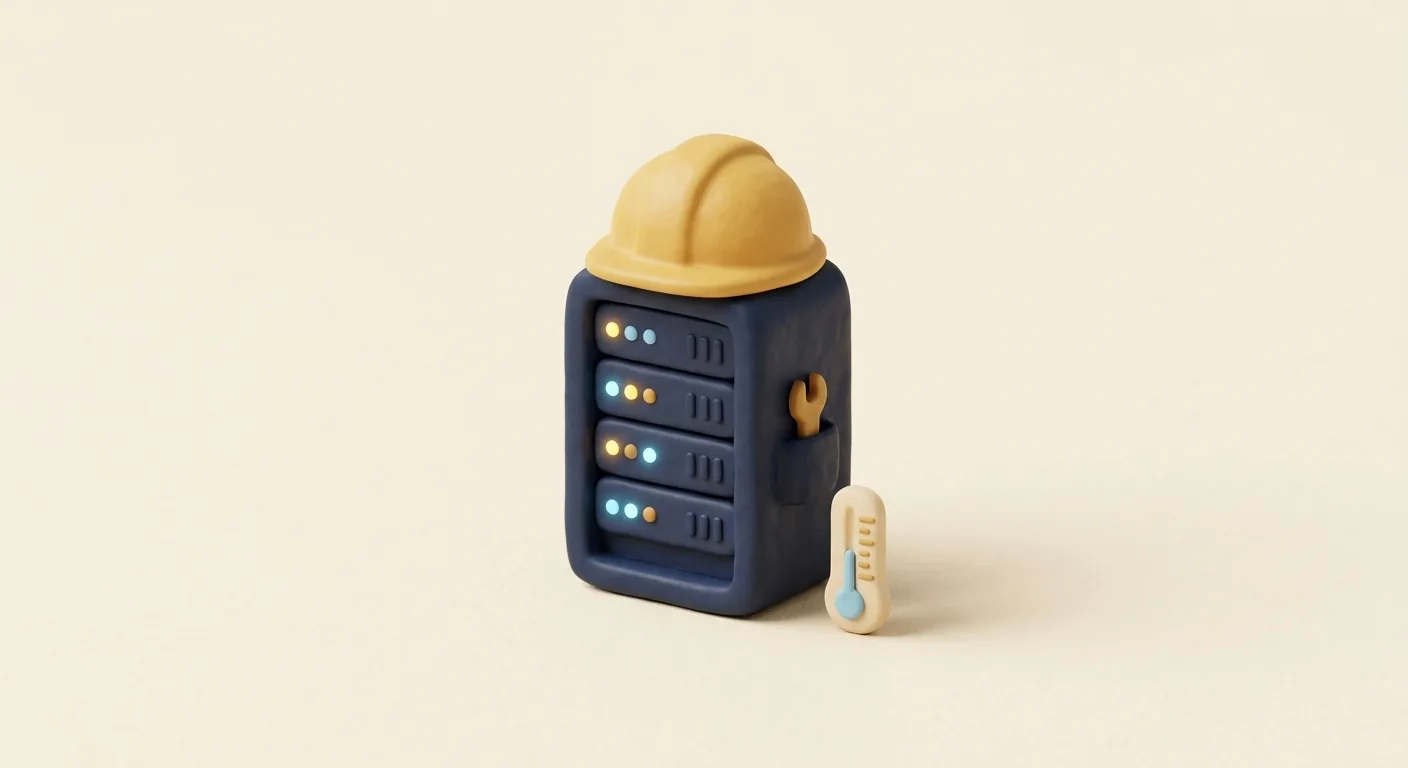
Servers & storage
Windows Server and Active Directory, file shares and NAS storage, kept patched and documented.

Backups & recovery
Server and computer backups with test restores, so “we have backups” is a fact, not a hope.

Migrations
From Google, Dropbox, another Microsoft 365 or an old server. We pack, move and unpack.
Most clients start with
Managed IT & Security
Help desk, monitoring, patching, threat protection and multi-factor sign-in for every person and device, on one predictable monthly plan. Projects too: office moves, new hires, hardware refreshes, network upgrades and honest advice before you spend money.

Security & compliance
Zero Trust means every sign-in, device and app has to prove it belongs, every time. Think of it as a very polite bouncer for your business.
We support clients in healthcare, financial services and retail. We set up and document the technical safeguards, and work alongside your compliance officer or auditor.
Renewing cyber insurance? Take the readiness check.

Training
Short, practical security awareness training with simulated phishing, plus how to use AI tools like Copilot and ChatGPT safely.
Onboarding & offboarding
People changes are where IT gets messy. We make them boring. The good kind of boring.

Send us a heads-up or a ticket and we take it from there.
Websites
We design, build and host websites in-house, then keep them updated, secure and backed up. For bigger builds, we bring in trusted partners with a proven track record.

Drag to compare. Drip & Dash Plumbing is made up. The upgrade is real.
 Trash Panda PDXTrailer rentals and junk removal in Beaverton.Visit site ↗
 Portland Potato VodkaA craft vodka brand made with Mt. Hood water.Visit site ↗
 Jug LifeSpiked jugs with a lot of personality. 21+ only.Visit site ↗
Curious how your current site measures up? Run the free Website check-up.
How we work
You’ll know what happened, what we did and what it means for you. No eye-rolls, no dumb questions.
If we say Tuesday, it’s Tuesday. We don’t close the ticket until it actually works.
Everything stays documented, and your admin passwords stay yours. No hostage situations.
The Lab
Seven free tools we use with clients. New experiments every quarter.
PHP2Shell is a pair of critical flaws in PHP, the language behind WordPress and most small-business websites. The fixes came out on October 21, 2026. Until a site’s server has them, an attacker could take it over without a password.
In WordPress: Tools → Site Health → Info → Server → PHP version. Or ask the web host.
Type a website. You’ll get a plain answer: patched, at risk, or how to find out.
Anyone can put your company’s name on an email, the same way anyone can write your return address on an envelope. Three free settings let Gmail and Outlook tell the real you from a fake:
Your grade shows up here, with what each setting means and what to fix.
We look at your home page once, the way a browser does, and grade what’s on show: the padlock, the certificate, the safety settings browsers look for, and whether your software versions are hanging out in public.
It also checks for PHP2Shell, the critical PHP flaw fixed on October 21, 2026. PHP runs WordPress and most small-business websites.
Your grade shows up here, with what each part means and what to fix.
Your domain is the key to your website and email. See when it expires, whether it’s locked against transfers, and which lookalikes someone has already registered.
Shopping for a new one? Type a name instead, like Drip and Dash, and we’ll see which endings are free.
Expiry, lock and lookalikes show up here. Or, for a name, which endings are free.
Before they’ll cover ransomware or wire fraud, insurers ask some version of these ten questions. Answer honestly. Nothing leaves your browser.
Your readiness score
0/100
Answer the ten questions to see where you stand.
“Not sure” counts as no, because that’s how insurers read it. This isn’t an insurance application or advice, and every insurer asks a little differently.
Five messages like the ones that land in real inboxes. Decide, then see the tells.
Microsoft 365 Security <[email protected]>
Action required: your password expires today
Your Microsoft 365 password expires in 2 hours. Keep your current password to avoid losing access to email.
Button goes to: m365-keep-password.help/login
Phish.
Jordan Ellis (CEO) <[email protected]>
Quick favor, are you at your desk?
I’m in back-to-back meetings. I need five $200 gift cards for a client thank-you today. Buy them and send me the codes. I’ll pay you back. Keep this between us for now.
No link: they want a reply.
Phish.
Microsoft Authenticator (on your phone)
Are you trying to sign in? Enter the number shown to sign in.
You just typed your password into Outlook on your new work laptop. The laptop screen shows the number 42, and your phone asks you to enter it.
You started this sign-in yourself, 10 seconds ago.
Legit.
Accounts Receivable <[email protected]>
Updated banking details for invoice #4471
Our bank has changed. Please send this month’s payment to the new account in the attached PDF. The old account will be closed Friday.
Attachment: New_Remittance_Info.pdf
Phish.
TMT Help Desk <[email protected]>
Reminder: scheduled maintenance tonight at 9pm
As we discussed on Tuesday, we’re updating the office firewall tonight from 9 to 10pm. Internet may drop for a few minutes. Nothing for you to do. Questions? Call 971-200-5061.
No links, no attachments.
Legit.
Want this for your whole team, with real simulated phishing and short training? Ask about security awareness training.

Already a client?
The one link to remember. Support hours are 7am–5pm Pacific, with emergency and on-call support available on request. Or call or text 971-200-5061.
Not for you. We handle the handoff with your current provider, document everything we find and fix the urgent issues first. Most people just notice things working better.
We’re based in Clackamas, Oregon and work on-site across the Portland metro area. Most day-to-day support happens remotely, so we also support clients outside Oregon.
7am to 5pm Pacific time. Emergency and on-call support is available on request.
Yes. We support clients in healthcare, financial services and retail. We set up and document the technical safeguards those rules require, and we work alongside your compliance officer or auditor.
It means nothing gets access just because it’s “inside the office.” Every sign-in needs a second factor, people only get the access their job needs, and company data only opens on healthy, protected devices.
Yes. Short, practical security awareness training with simulated phishing, plus hands-on help using AI tools like Microsoft Copilot and ChatGPT safely.
Yes. We design, build and host websites in-house, and keep them updated, secure and backed up. For bigger builds, we bring in trusted partners with a proven track record.
Yes: UniFi Wi-Fi, switches, gateways and firewalls, Protect cameras, Access door entry and Talk phones. We plan it, install it and keep it updated.
Go to tylermtech.com/help, download the support tool and read us the session code, or call or text 971-200-5061.
About
Tyler grew up in his family’s business, the third generation of it, so he knows what it takes to keep a small company running, and he brings a will-do attitude to every job.
His IT career started in 2002 as the assistant, then administrator, at a small manufacturer. He started TMT in 2007 to keep looking after them, and they stayed a client until the owners closed the business in 2025. Along the way he worked at Best Buy’s Geek Squad, ran an online rare coin shop (website and shopping cart included), and went full-time with TMT in 2012.
Today TMT is a small team, and everyone we add works the same way.
Fun fact: he still asks “have you tried restarting it?” But only after he’s already checked.
Contact
Tell us a little about your business and what’s been frustrating. We’ll get back to you personally.